Showing posts with label digital art. Show all posts

Friday, June 2, 2017

Fifth Grade Digital Art


Fifth grade used the program "Acorn" to create their own versions of a famous abstract work of art. They were given access to a shared google folder that had folders dedicated to a variety of artists that they have learned about over the years and their famous works of art. Next they set to work learning to use Acorn (similar to Photoshop).

Acorn is a simplified (and somewhat glitchy) version of Photoshop. I really liked using this with my older students because it is so close to Photoshop that I feel like they are getting something of a real world experience.


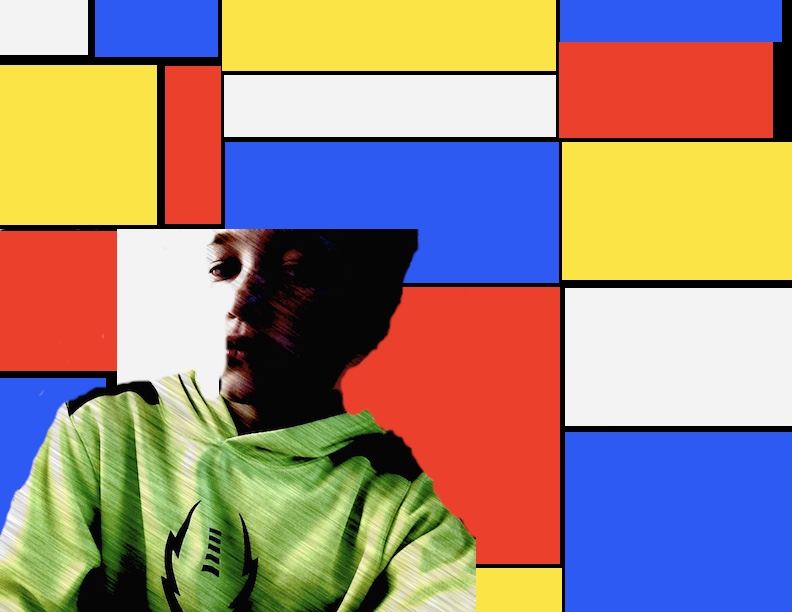


Learning Goals: I can...
- Create a file in Acorn that is US Letter sized
- Use Google Drive to download a famous work of art from a shared folder
- Use Preview to open the famous work of art and to pick colors from the original artwork
- Use Acorn tools and modify size and opacity: Paintbrush, bucket, smudge, eraser, eyedropper
- Use Photo Booth to take a picture and insert it into Acorn
- Use layers and change visibility
- Convert Acorn file to JPEG
- Drop JPEG into a shared google folder to submit it to Mrs. Seitz

Tuesday, February 21, 2017

The Scream


Fourth grade used the program "Acorn" to create their own versions of "The Scream," by Edvard Munch!


Acorn is a simplified (and somewhat glitchy) version of Photoshop. I really liked using this with my older students because it is so close to Photoshop that I feel like they are getting a real world experience.

This was a totally new experience for me because I have mostly stayed away from computer art partly because of computer availability but it finally felt like the right year to jump in! My first class was a huge learning curve for the kids AND myself. By the second class, my process for teaching on Acorn was SO much more streamlined! (Thanks kids for bearing with me!!!)


Learning Goals: I can...
- Create a file in Acorn that is US Letter sized
- Use Google Drive to download "The Scream" from a shared folder
- Use Preview to open "The Scream" and to pick colors from the original artwork "The Scream"
- Use Acorn tools and modify size and opacity: Paint brush, bucket, smudge, eraser, eyedropper
- Use Photo Booth to take a picture and insert it into Acorn
- Use layers and change visibility
- Convert Acorn file to JPEG
- Drop JPEG into a shared google folder to submit it to Mrs. Seitz